
Lightroom Vs. Photoshop: Key Differences and Ideal Use Cases
Lightroom specializes in photo management and basic editing. Photoshop offers advanced editing and graphic design capabilities.

Discovering our brilliant insights and inspiration.
Insights
Browse production notes, editing ideas, and creative workflow guidance.
Lightroom specializes in photo management and basic editing. Photoshop offers advanced editing and graphic design capabilities.
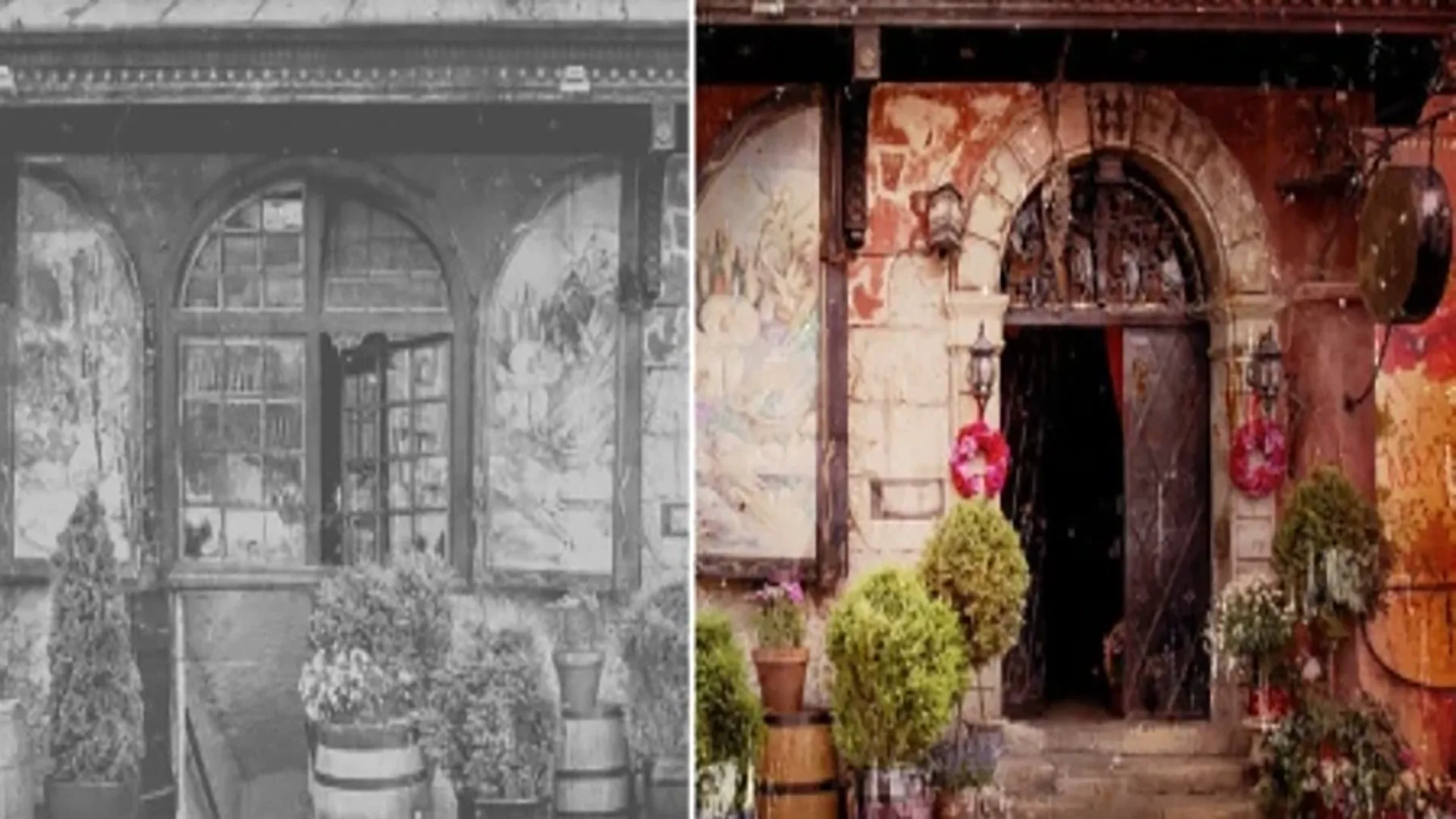
Photoshop photo restoration helps beginners revive old photos. It involves repairing damage, enhancing colors, and removing imperfections.
Enhance your images with color grading in Photoshop to create stunning visuals. Elevate your photos with professional-quality tones.

Start small by investing in affordable gear and experimenting with free resources. Network with experienced photographers for valuable insights.

To stitch photographs in Photoshop, use the Photomerge tool. This tool seamlessly combines multiple images into a single panorama.

To stitch photographs in Photoshop, use the Photomerge tool. This tool seamlessly combines multiple images into a single panorama.
Capturing motion in photography involves freezing action or creating a sense of movement. It requires proper technique and the right equipment.

To fix common photography mistakes, adjust camera settings and practice proper composition techniques. Focus on lighting and subject placement.
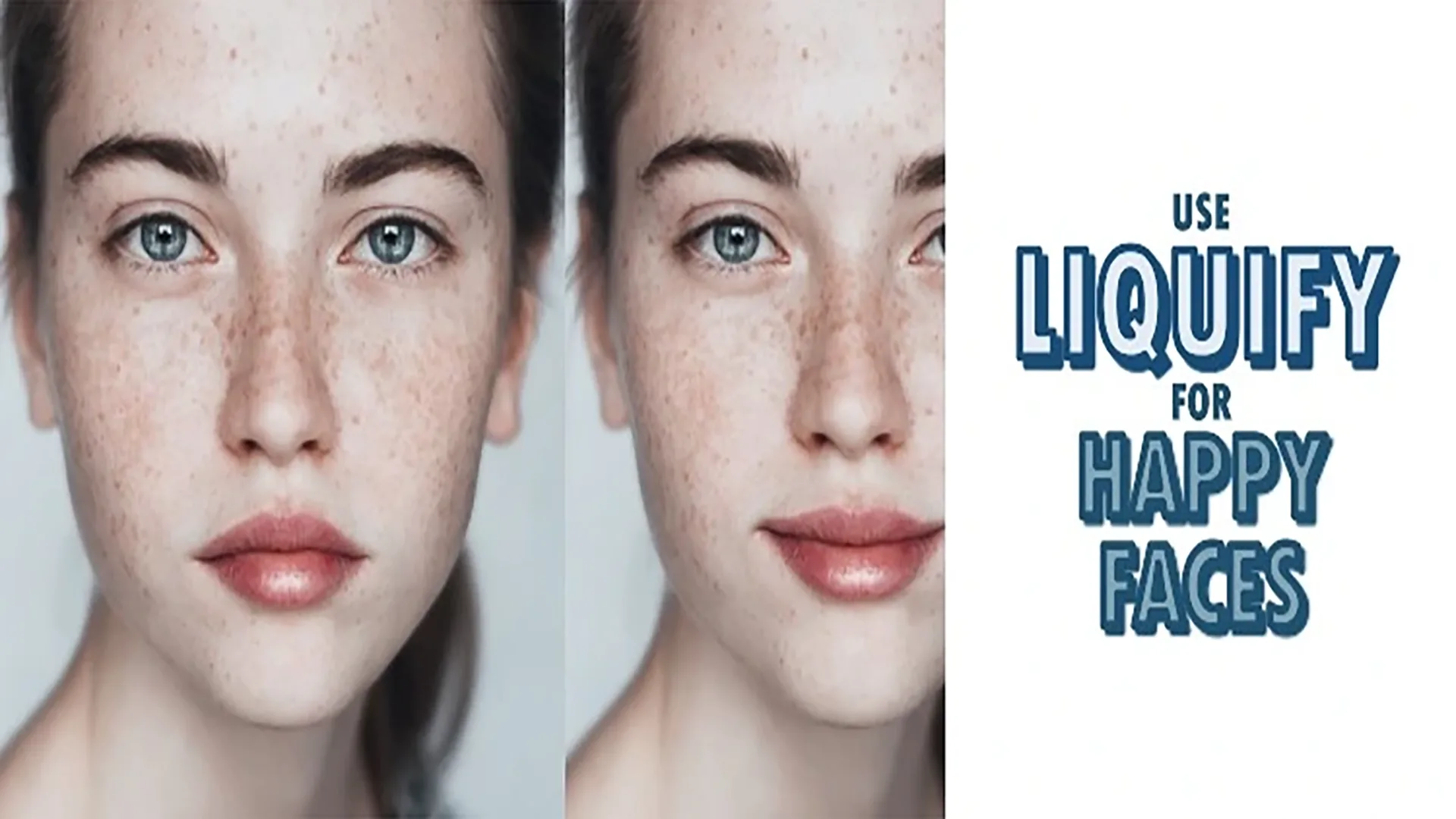
Use Photoshop's Liquify filter to slightly drag the corners of the mouth upwards. This creates a natural-looking smile.
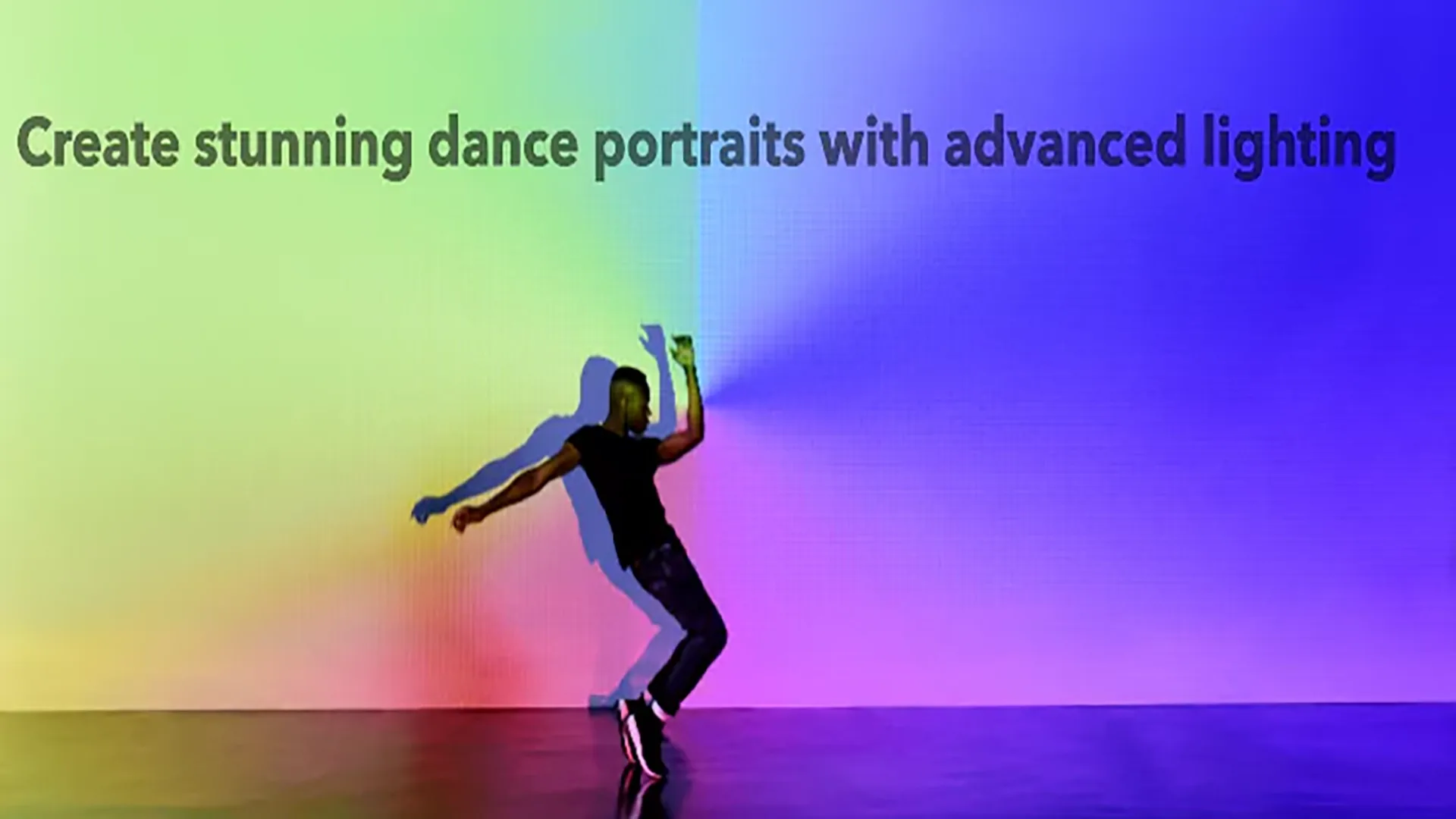
To create stunning dance portraits, use advanced lighting techniques to highlight movement and emotion. Experiment with angles and dynamic lighting setups.

To achieve perfect bokeh in photos, use a wide aperture and get close to your subject. Ensure a good distance between the subject and background.

Fog adds a mystical quality to photos, transforming ordinary scenes into ethereal landscapes. It diffuses light and softens details.